

VST3 CHARACTER EQ / WINDOWS 64-BIT
GravityMoon EQ Weight below. Light above.
Add weight and definition below, sheen and air above. GravityMoon EQ shapes kicks, bass, vocals, and full mixes with a small set of musical controls instead of a maze of EQ nodes.
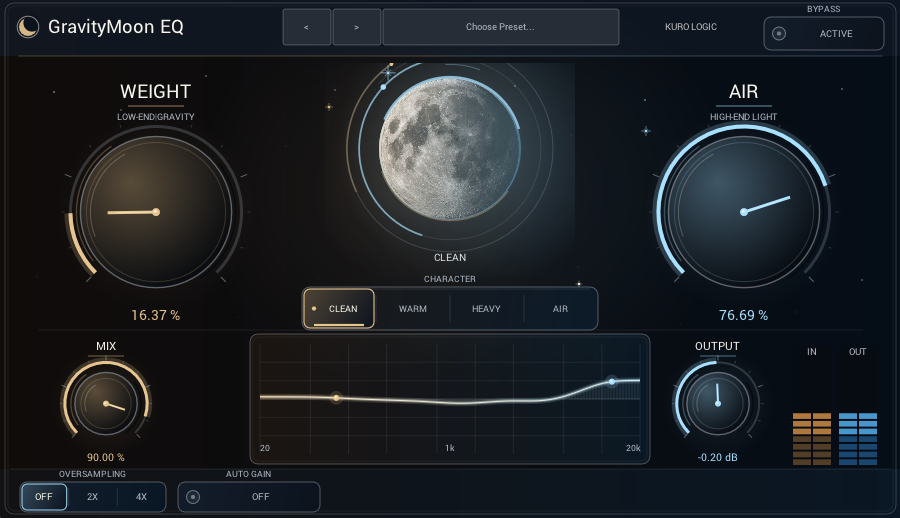
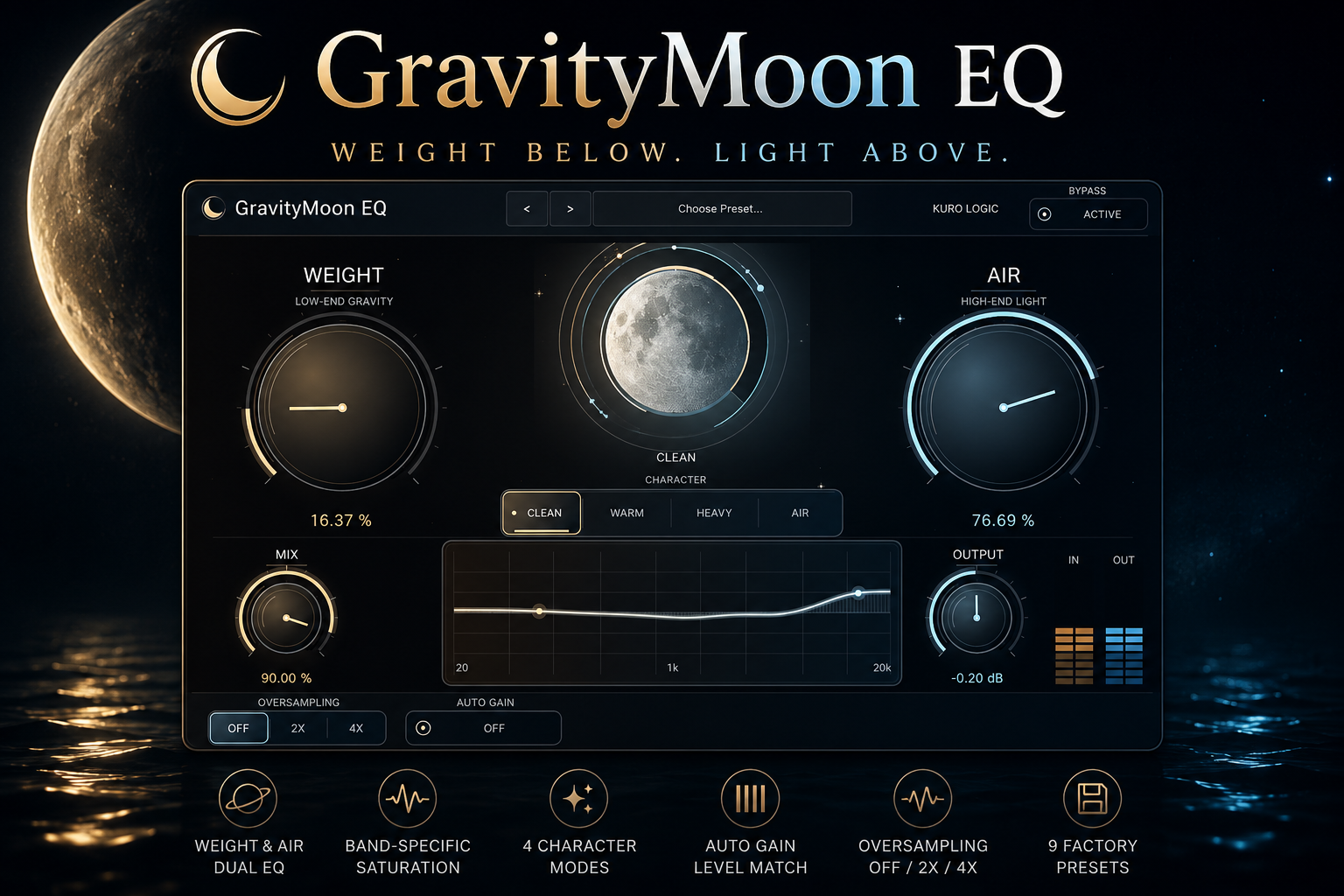
Turn weight and light into one musical movement.
This is more than a pair of shelf filters. GravityMoon EQ combines unwanted-band cleanup, band-specific saturation, and amount compensation to preserve definition and listening comfort even at assertive settings.
WEIGHT
Add depth, body, and presence to kicks and bass. WEIGHT clears the mud around the boost, building a powerful foundation without sacrificing definition.
- Cleans unnecessary sub-low content
- Shapes the 50–120 Hz foundation
- Reduces muddiness around 200–400 Hz
- Applies low-band-only saturation
AIR
Add smooth brilliance and openness to vocals and mixes. AIR controls aggressive presence while creating an extended top end that stays natural.
- Softens harshness around 2–6 kHz
- Extends air from 8–16 kHz
- Improves sheen and transparency
- Applies high-band-only saturation
Orbit Focus
GravityMoon EQ’s original Orbit Focus processing responds to the balance between WEIGHT and AIR, gently clearing midrange masking as both ends grow. You get low-end size and high-end openness without losing the center of the sound.
Choose the texture with four Character modes.
Switch the behavior of the full process to suit the source and song. Establish a direction quickly, then refine it with the main controls.
Start with three clear moves.
Turn WEIGHT
Add the amount of low-end presence and definition the source needs.
Turn AIR
Open the top end with sheen, transparency, and controlled brilliance.
Select Character
Choose the right texture, then set the final balance with Mix and Output.
The essentials for a focused production workflow.
Nine factory presets, Auto Gain, Dry / Wet Mix, click-free Bypass, and band-specific Oversampling are built in.
- Operating system
- Windows 10 / 11 64-bit
- Plug-in format
- VST3 Effect
- Sample rates
- 44.1 / 48 / 96 / 192 kHz
- Buffer sizes
- 32–2048 samples
- Channels
- Mono / Stereo
- Oversampling
- Off / 2x / 4x
- Interface
- Resizable, HiDPI / 4K ready
- Version
- 1.0.6
How to install
Copy the complete “GravityMoonEQ.vst3” folder from the download into a standard VST3 location, then restart your DAW or rescan VST3 plug-ins.
Before you buy
This release is for Windows 64-bit. A 64-bit host application that supports VST3 effects is required.
Give your sound gravity and moonlight.
GravityMoon EQ is available on BOOTH as an instant download.
¥3,980
Buy on BOOTH